The layer that's live today — works on any phone or tablet, no headset required.
A Digital Link is a QR code that takes you straight to information about the exact thing in front of you — a recipe, an ingredient, a finished dish — instead of a generic homepage. Scan the code next to a recipe, and the full ingredient list, step-by-step instructions, allergen warnings, and a short video pop up on your own screen.
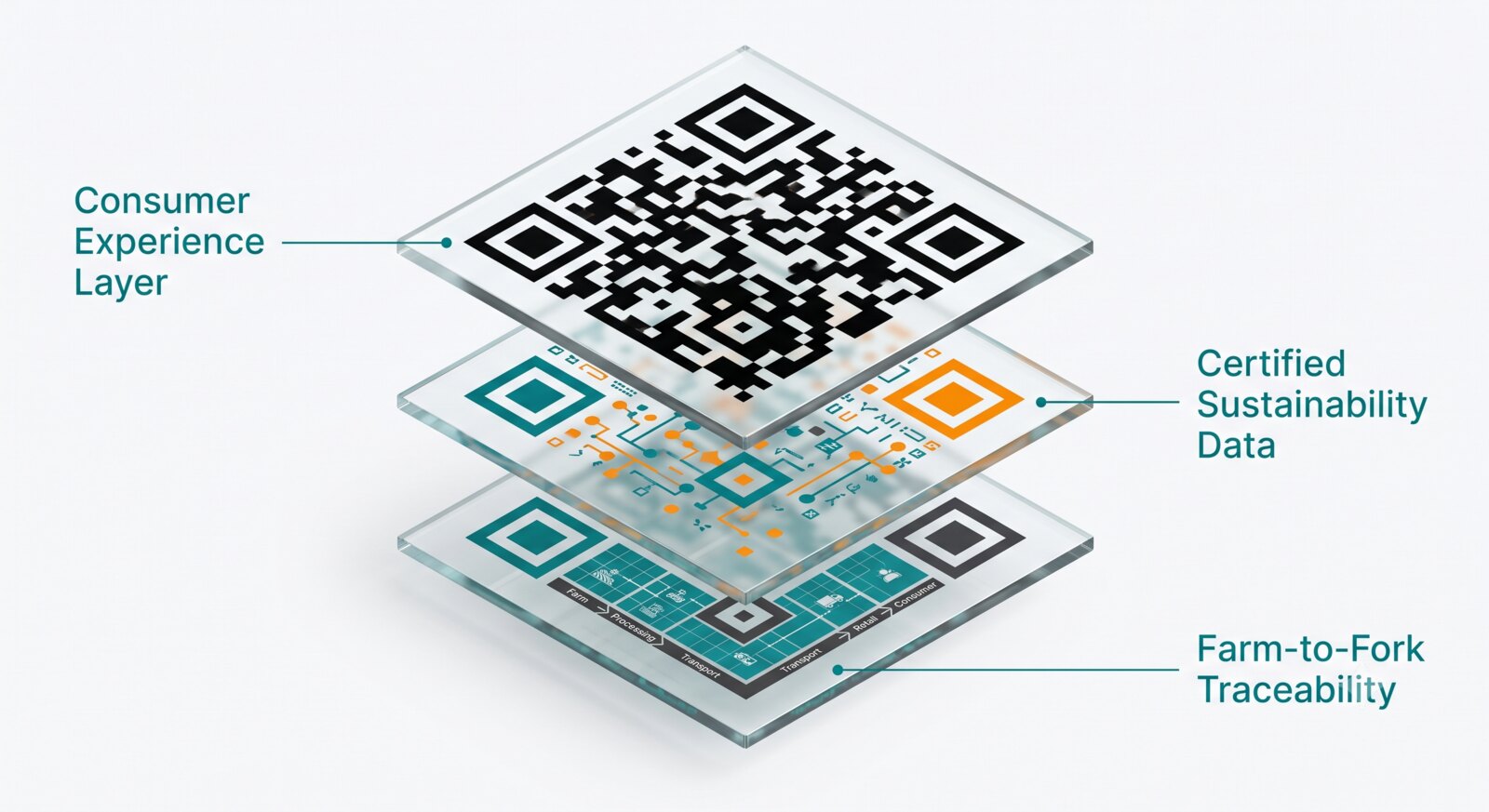
Every station gets a menu card with a Digital Link next to each recipe — ingredients, steps, materials, and safety warnings, all in one scan.
Instead of re-explaining "what is gluten?" on every baking recipe, a link points to one shared concept page — reinforcing core nutrition ideas across many different dishes over time.
No special hardware, no headset. Works on the phone or tablet a student already has in their pocket.
Once the shared lecture ends and students move to their stations, the Digital Link becomes their own switchboard for the recipe in front of them — ingredients, technique videos, allergen alerts, and a persistent footer menu of nutrition topics they can explore if they finish early or just want to keep learning.
Digital Link is one half of the Spatial Computing blueprint — paired with Spatial Anchors for the shared, instructor-led side of the room.
What Are Spatial Anchors? →